How to Organize DnD Sessions for a Smooth Game Night
Over 70 percent of American tabletop gamers use digital tools to enhance their roleplaying experience. Choosing the right setup is more than a technical task, it shapes how engaged and creative your group becomes around the table. This guide explores the best strategies and accessories to help you build memorable adventures, whether you are relying on virtual platforms or hands-on organization for your next campaign.
Table of Contents
- Step 1: Set Up Your Campaign Tools
- Step 2: Prepare Character-Driven Accessories
- Step 3: Arrange Modular Organization For Gear
- Step 4: Coordinate Player Scheduling And Communication
- Step 5: Test And Review Your Session Setup
Quick Summary
| Key Point | Explanation |
|---|---|
| 1. Use Virtual Tabletop Tools | Select a user-friendly platform like Roll20 to streamline campaign setup and enhance gameplay. |
| 2. Incorporate Character Accessories | Personalize your character with thematic items to create deeper engagement and immersive storytelling. |
| 3. Implement Modular Organization | Develop a systematic approach to track game elements efficiently, keeping your focus on storytelling. |
| 4. Establish Clear Communication | Use shared calendars and group chats to coordinate player scheduling and enhance overall engagement. |
| 5. Conduct Thorough Setup Tests | Regularly review and test all tools and resources to ensure smooth functioning before each gaming session. |
Step 1: Set up your campaign tools
Preparing your campaign tools transforms a good roleplaying session into an unforgettable adventure. From digital platforms to physical accessories, the right setup can help you create immersive storytelling experiences that keep players engaged and excited.
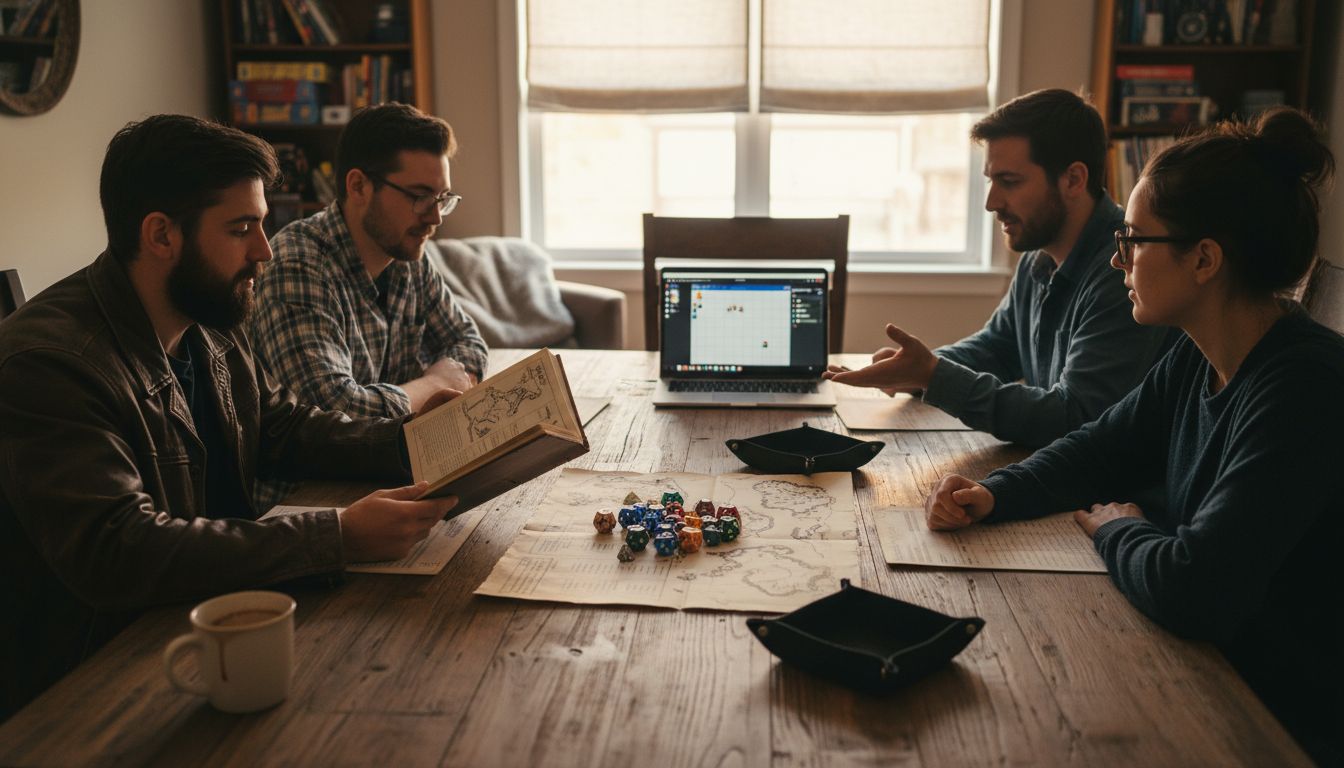
Start by selecting a virtual tabletop platform like Roll20, which provides comprehensive digital tools for Dungeon Masters. These platforms offer integrated character sheets, interactive maps, rulebook references, and player invitation systems that streamline game preparation. Consider your group’s technical comfort level and choose a platform that balances functionality with user friendliness.
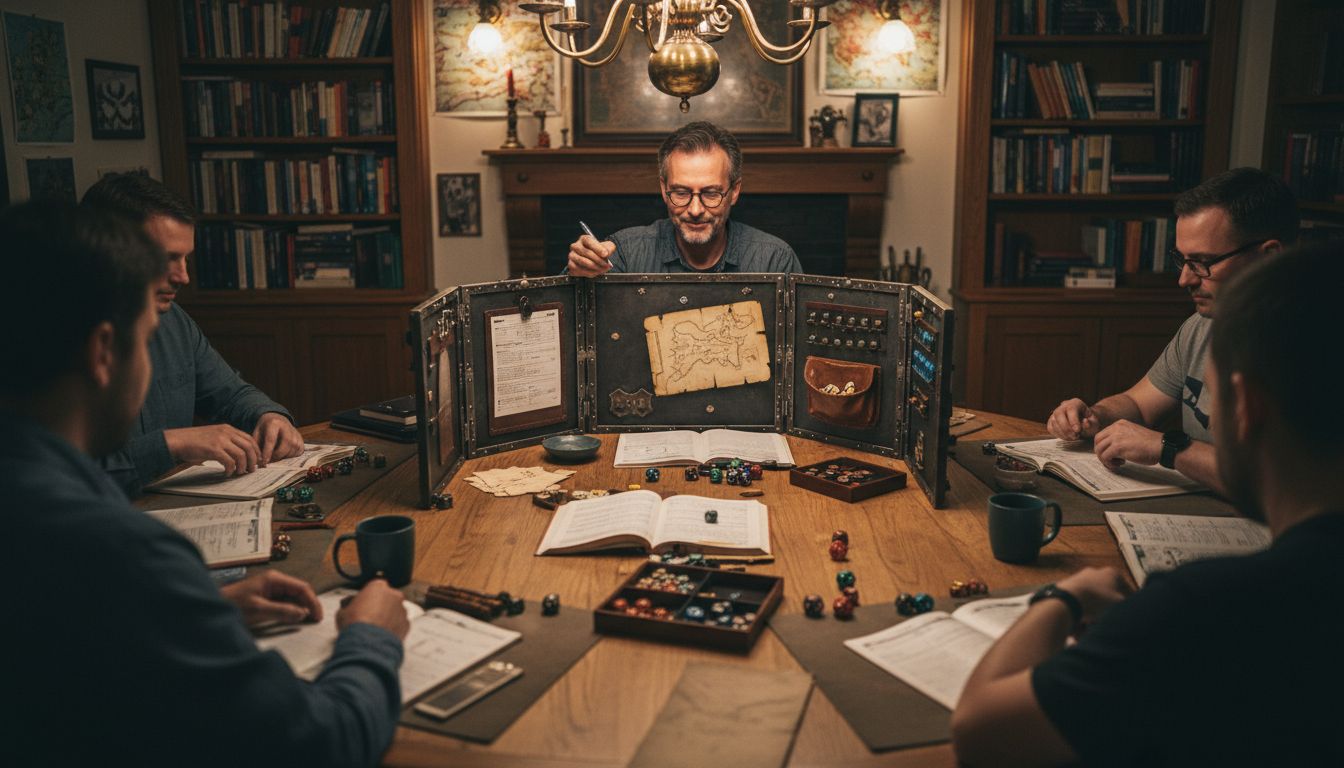
Beyond digital tools, gather physical accessories that enhance gameplay. A high-quality DM screen helps organize notes and maintain narrative mystery. Campaign journals allow you to track complex storylines, character developments, and world building details. Magnetic organization accessories can help you keep track of initiative, monster stats, and ongoing plot points.
Pro Tip: Always do a test run with your chosen digital platform before your actual game session. This helps you troubleshoot potential technical issues and ensures a smooth gaming experience for everyone involved.
Here’s how common roleplaying digital tools compare:
| Platform | Key Features | Ease of Use |
|---|---|---|
| Roll20 | Integrated maps and character sheets | User-friendly interface |
| Fantasy Grounds | Automation, rulebook integration | Moderate learning curve |
| Foundry VTT | Extensive customization, mod support | For advanced users |
Step 2: Prepare character-driven accessories
Character-driven accessories transform an ordinary roleplaying session into an immersive storytelling experience that brings your character to life. These personalized items help you embody your character’s unique personality and backstory, creating deeper connections at the gaming table.
Start by exploring character accessories that match your role, such as leather pouches, themed dice holders, and costume elements that reflect your character’s background. For a wizard, consider intricate scrollcase accessories. A ranger might prefer rugged leather pouches and woodland-themed gear. Rogues could select sleek, dark accessories that hint at their mysterious nature. These details help you step more authentically into your character’s persona.
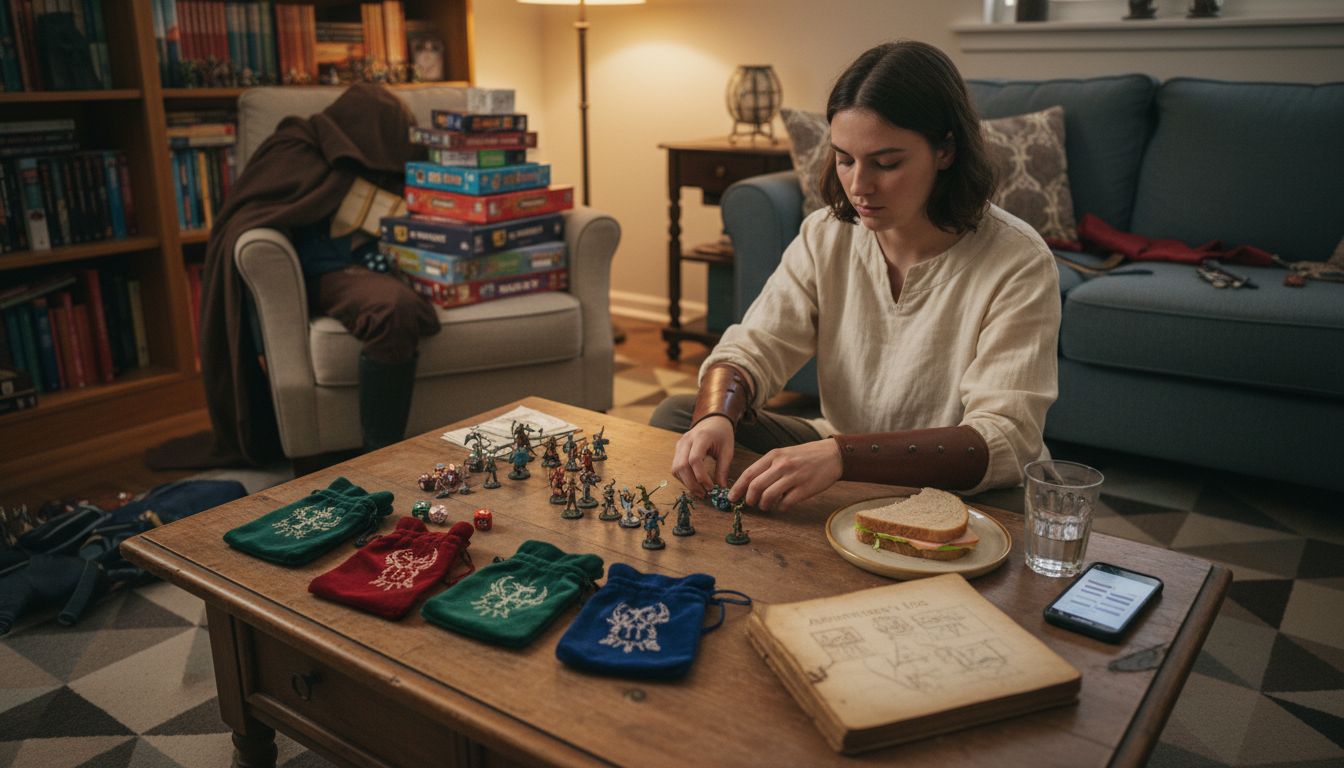
Beyond physical accessories, consider creating supplemental character documentation. Custom character class design allows you to develop unique backstories and personality traits that make your character truly memorable. Sketch character portraits, write detailed personal histories, or create specialized equipment lists that showcase your character’s individual journey.
Pro Tip: Always coordinate your accessories with your Dungeon Master to ensure they complement the campaign’s tone and setting. Some accessories might need approval to maintain narrative consistency.
Use this table to match character classes to accessory ideas and their roleplaying benefit:
| Character Class | Accessory Example | Enhances Roleplay By |
|---|---|---|
| Wizard | Intricate scrollcase | Reflects magical background |
| Ranger | Camouflage leather pouch | Emphasizes survival skills |
| Rogue | Sleek dark satchel | Conveys stealth and secrecy |
Step 3: Arrange modular organization for gear
Modular organization transforms chaotic gaming sessions into streamlined storytelling experiences, helping you manage complex campaign details with precision and ease. By creating a systematic approach to tracking game elements, you can focus more on creating memorable adventures and less on administrative tasks.
Start by implementing comprehensive campaign tracking tools that help you manage the intricate details of your roleplaying world. These systems allow you to catalog NPCs, track important locations, record session notes, and monitor crucial storyline items. Consider using digital game management software that provides integrated solutions for map creation, token tracking, and initiative management. These tools can help you maintain a clear overview of complex game mechanics while keeping your storytelling smooth and immersive.
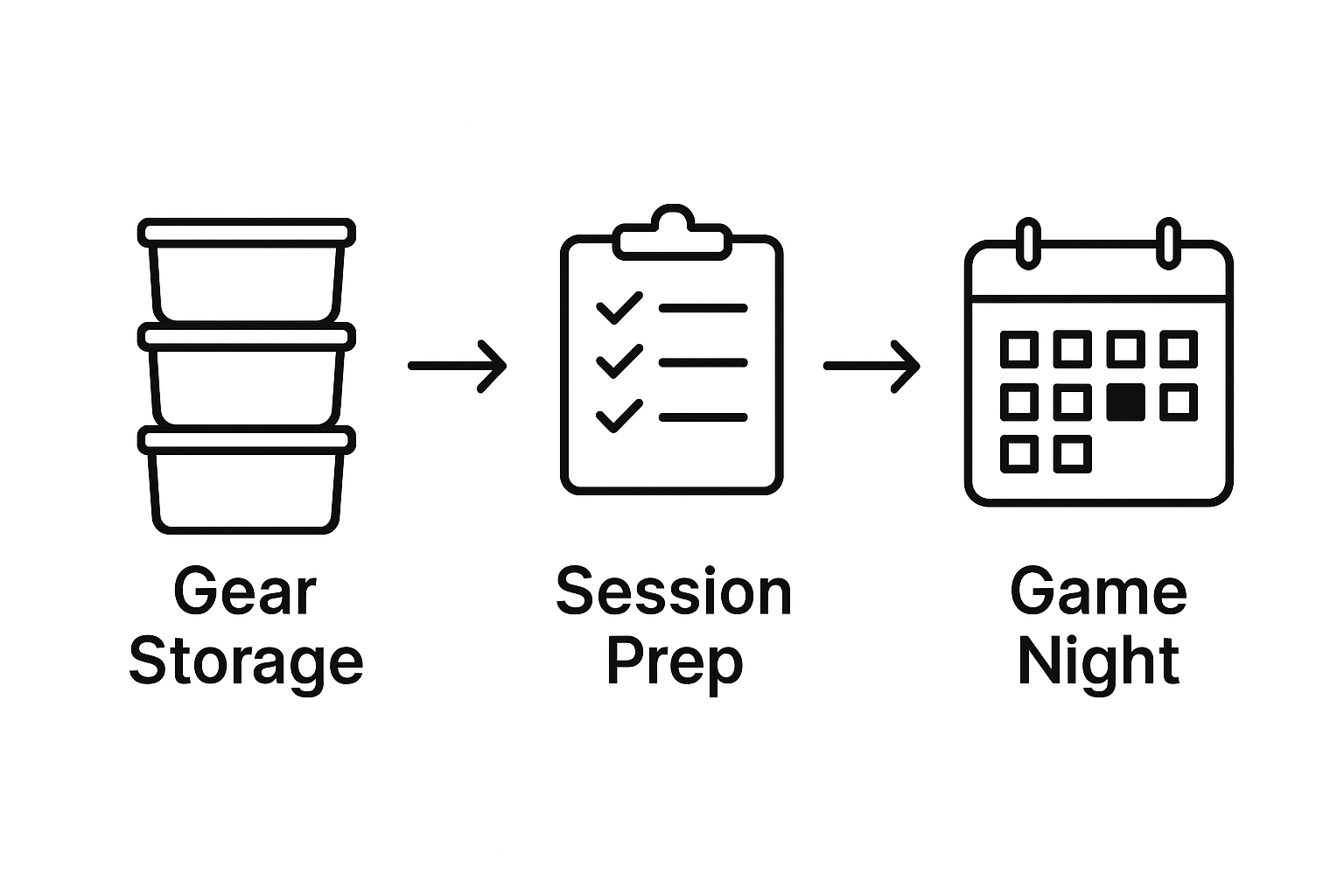
Design a modular organization system that adapts to your specific gaming needs. Use magnetic screens with removable sections, invest in portable storage containers for miniatures and dice, and create digital or physical reference sheets that can be quickly updated or rearranged. Your goal is to build a flexible system that supports your unique storytelling style and campaign requirements.
Pro Tip: Always create backup digital copies of your campaign tracking documents to prevent losing critical game information and ensure seamless session continuity.
Step 4: Coordinate player scheduling and communication
Successful roleplaying sessions depend on clear communication and thoughtful scheduling that respects every player’s time and commitment. Creating a robust coordination strategy transforms your game from a potential logistical challenge into a seamless storytelling experience.
Effective campaign communication strategies are critical for maintaining group cohesion and ensuring everyone remains engaged. Use digital tools like shared calendars, group messaging apps, or dedicated Discord servers to streamline scheduling. Establish a consistent meeting time that works for everyone, and create a system for players to communicate conflicts or potential absences well in advance. Session preparation checklists can help you track player availability and set clear expectations about game logistics.
Develop a communication protocol that keeps everyone informed and excited about upcoming sessions. This might include sending periodic recaps, sharing campaign updates, or creating a group chat where players can discuss character backgrounds and storyline developments between meetings. Consider rotating session hosting responsibilities or using online platforms that accommodate different schedules and player preferences.
Pro Tip: Create a backup player roster or have a flexible alternates system so your campaign can continue smoothly even if some regular players cannot attend.
Step 5: Test and review your session setup
A comprehensive review of your session setup is the final critical step in ensuring a smooth and immersive roleplaying experience. By meticulously testing your tools and resources, you can prevent potential disruptions and create a seamless storytelling environment that keeps players engaged and excited.
Detailed session preparation checklists are essential for identifying potential issues before your game begins. Systematically review your digital and physical tools, checking that virtual tabletop platforms function correctly. Test your digital game setup by verifying map configurations, token placements, lighting effects, and interactive elements. Run through potential scenarios to ensure your technological infrastructure can support the narrative complexity you intend to create.
Conduct a comprehensive walkthrough of your entire game setup. Verify that physical accessories are organized, digital tools are functioning, and all necessary reference materials are readily accessible. Test audio and video connections if playing remotely, check that character sheets are updated, and ensure your storytelling tools are primed for an epic adventure. This methodical approach transforms potential technical obstacles into a smooth, immersive gaming experience.
Pro Tip: Create a quick reference checklist that you can rapidly review before each session to catch any potential setup issues quickly and professionally.
Elevate Your DnD Sessions with Premium Organization Tools
Organizing a smooth DnD session requires more than just planning it out. The article highlights challenges such as managing complex campaign details, maintaining character-driven immersion, and coordinating schedules effectively. You need reliable, thematic accessories that transform chaos into seamless storytelling and provide a clear command center for your campaigns. Without the right tools, juggling maps, player gear, and session notes can quickly become overwhelming and take away from the adventure.
Fabletop offers the perfect solution for Dungeon Masters and players who want to stay fully in control and deeply engaged. Our tabletop gaming accessories include customizable magnetic DM screens that organize your narrative elements with ease. Complement these with modular organization accessories and beautifully crafted campaign journals to capture every detail of your world. Our premium fantasy leather bags ensure your gear is secure and travel-ready—ideal for any game night setup.
Ready to transform your game nights into unforgettable adventures? Explore our complete collection at Fabletop Accessories and take your roleplaying organization to the next level today. Don’t let disorganization disrupt your storytelling. Equip yourself now and keep every session smooth and immersive.
Frequently Asked Questions
How can I set up my campaign tools for a smooth game night?
To set up your campaign tools effectively, choose a virtual tabletop platform that balances functionality with user friendliness, like Roll20 or Fantasy Grounds. Gather physical accessories, such as a DM screen and campaign journals, to enhance gameplay organization. Consider conducting a test run of your chosen platform to troubleshoot any technical issues before your session.
What character-driven accessories should I prepare for my players?
Prepare character-driven accessories that reflect each player’s character, such as themed dice holders or customized pouches. Work with your group to ensure these accessories enhance roleplay without disrupting the campaign’s tone. This personalized touch can enhance player immersion during the game.
How do I organize my game gear effectively?
Organize your game gear by creating a modular system that allows for easy tracking of campaign details. Use tools like storage containers for miniatures and dice, and develop digital or physical reference sheets that can be quickly updated. Aim for a system that is flexible and meets your gaming needs.
What are effective strategies for coordinating player scheduling?
Establish a consistent meeting time and utilize digital tools like shared calendars or group messaging apps for scheduling. Encourage players to communicate conflicts well in advance, and consider using session preparation checklists to keep everyone informed and engaged with the campaign.
How can I test my session setup before game night?
To test your session setup, conduct a comprehensive review of both digital and physical tools to ensure everything is functioning properly. Verify map configurations, check that character sheets are updated, and organize all necessary reference materials. Perform a walkthrough leading to your session to catch any issues early.
What should I include in my session preparation checklist?
Your session preparation checklist should include verifying tool functionality, ensuring all resources are organized, and confirming player availability. Include steps like testing audio and video connections if playing remotely and reviewing your digital game setup to smooth out any potential disruptions before game night.
Recommended

Written by Josh Joseph